API
Suno API Response Fields: request_id vs song_id
Understand Suno API request IDs, task indexes, song IDs and status fields. Learn which endpoint to call next and how to debug empty queries.
Understand Suno API request IDs, task indexes, song IDs and status fields. Learn which endpoint to call next and how to debug empty queries.
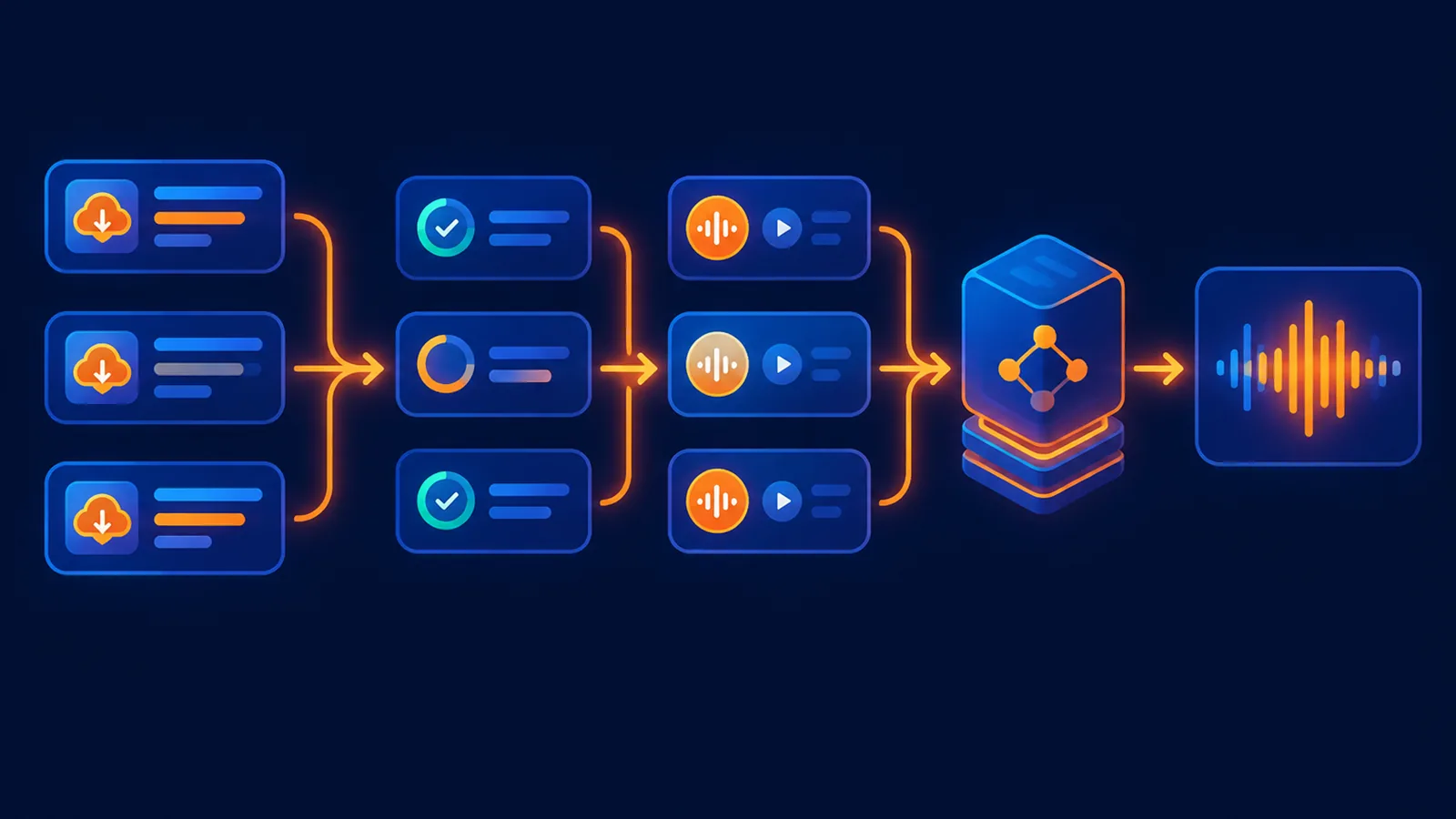
Build a reliable Suno API batch pipeline with bounded workers, request IDs, idempotency keys, polling, 429 backoff and restart-safe task storage.
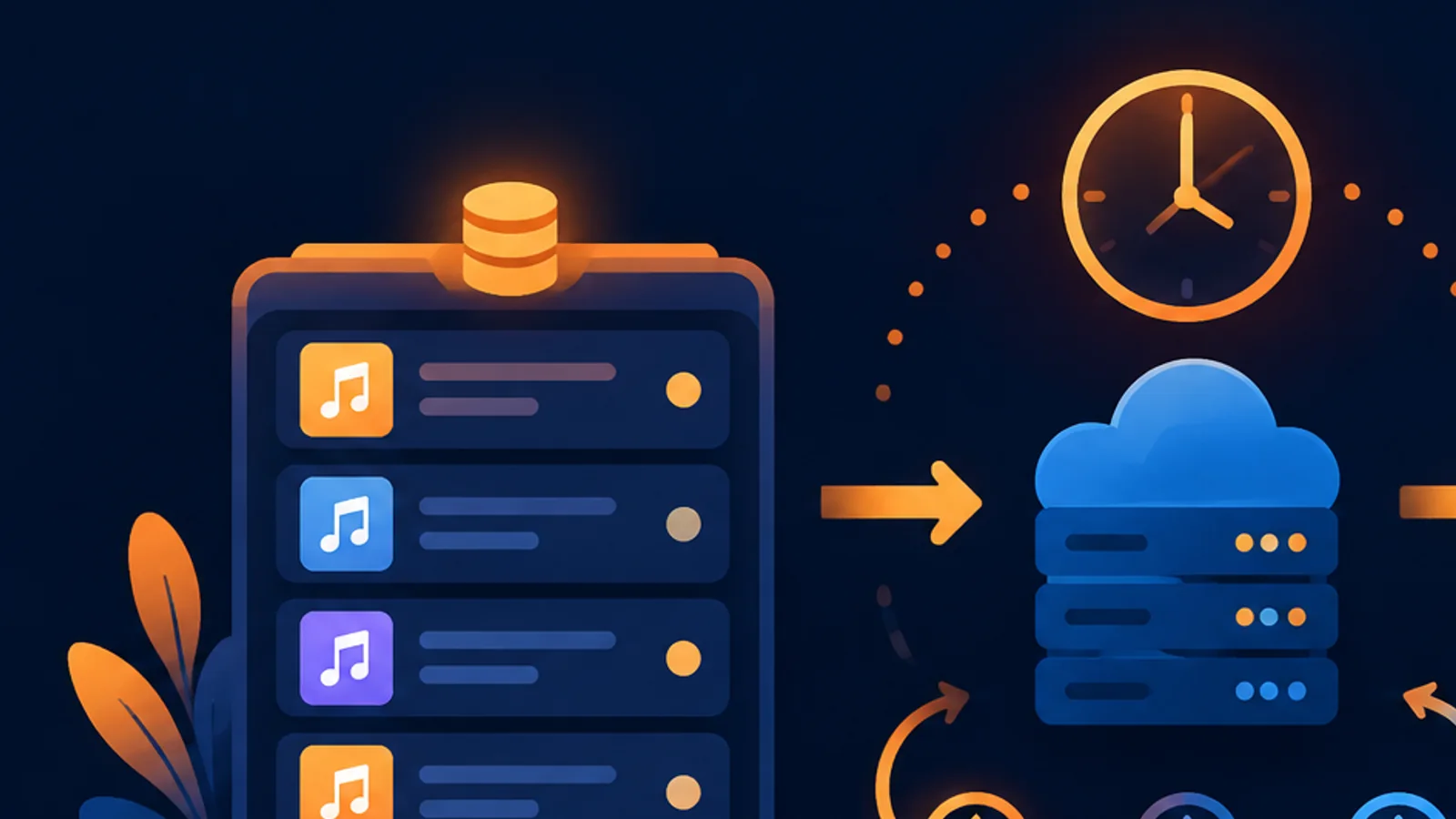
Download completed Suno API songs as MP3, WAV, video or cover art. Compare download-url and download-file, handle expiry, and copy media to durable storage.
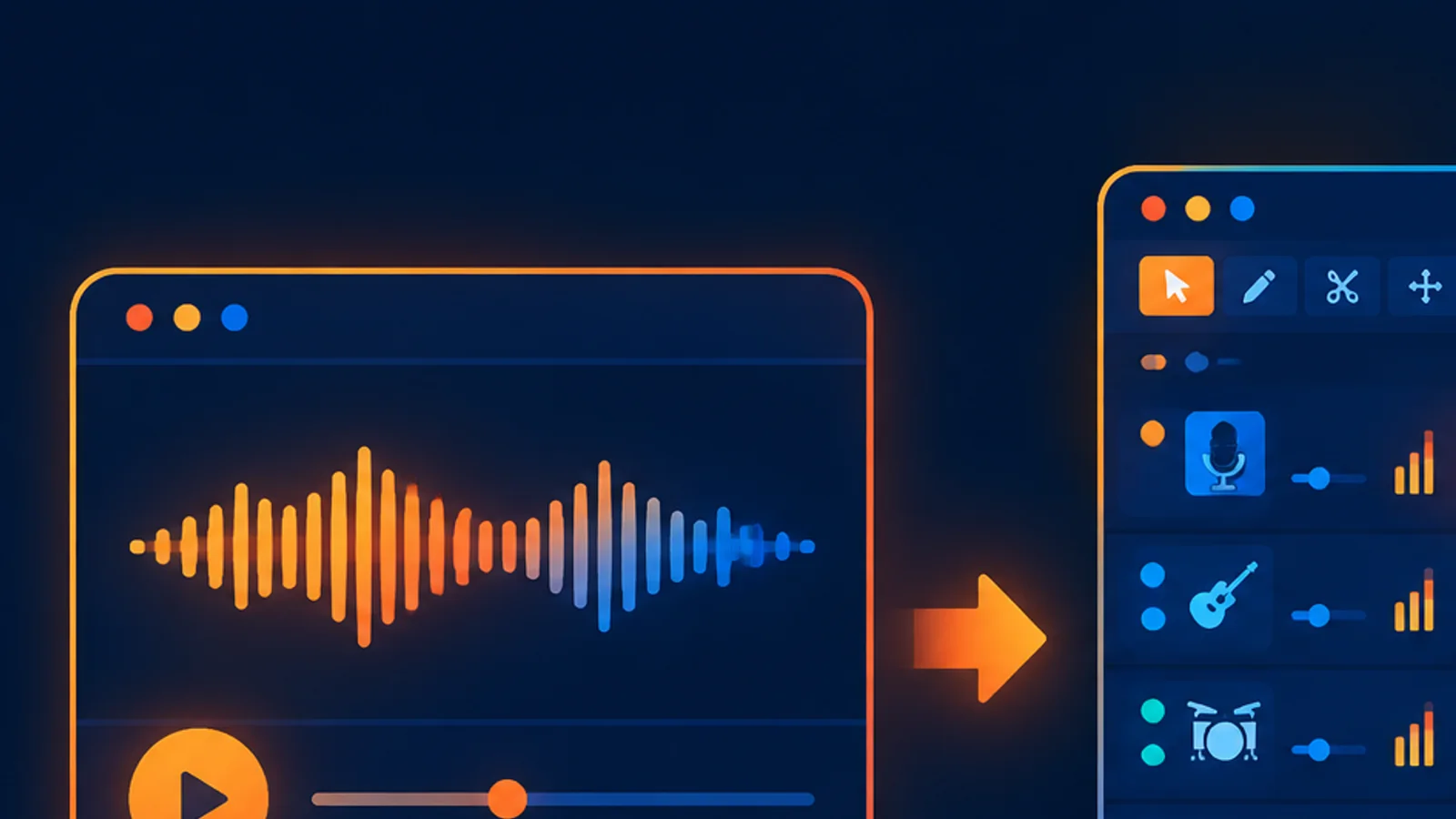
Compare Suno Studio with standard creation: when to generate a song, when to edit an existing track, and how multitrack editing, stems, MIDI and pricing differ.
Copy a Python example for the Suno API: submit a song with requests, poll the task safely, handle 401/403/429, and download the completed MP3 when ready.
Handle Suno API tasks: understand pending, processing, completed and failed states, choose polling intervals, apply 429 backoff, and avoid duplicate charges.
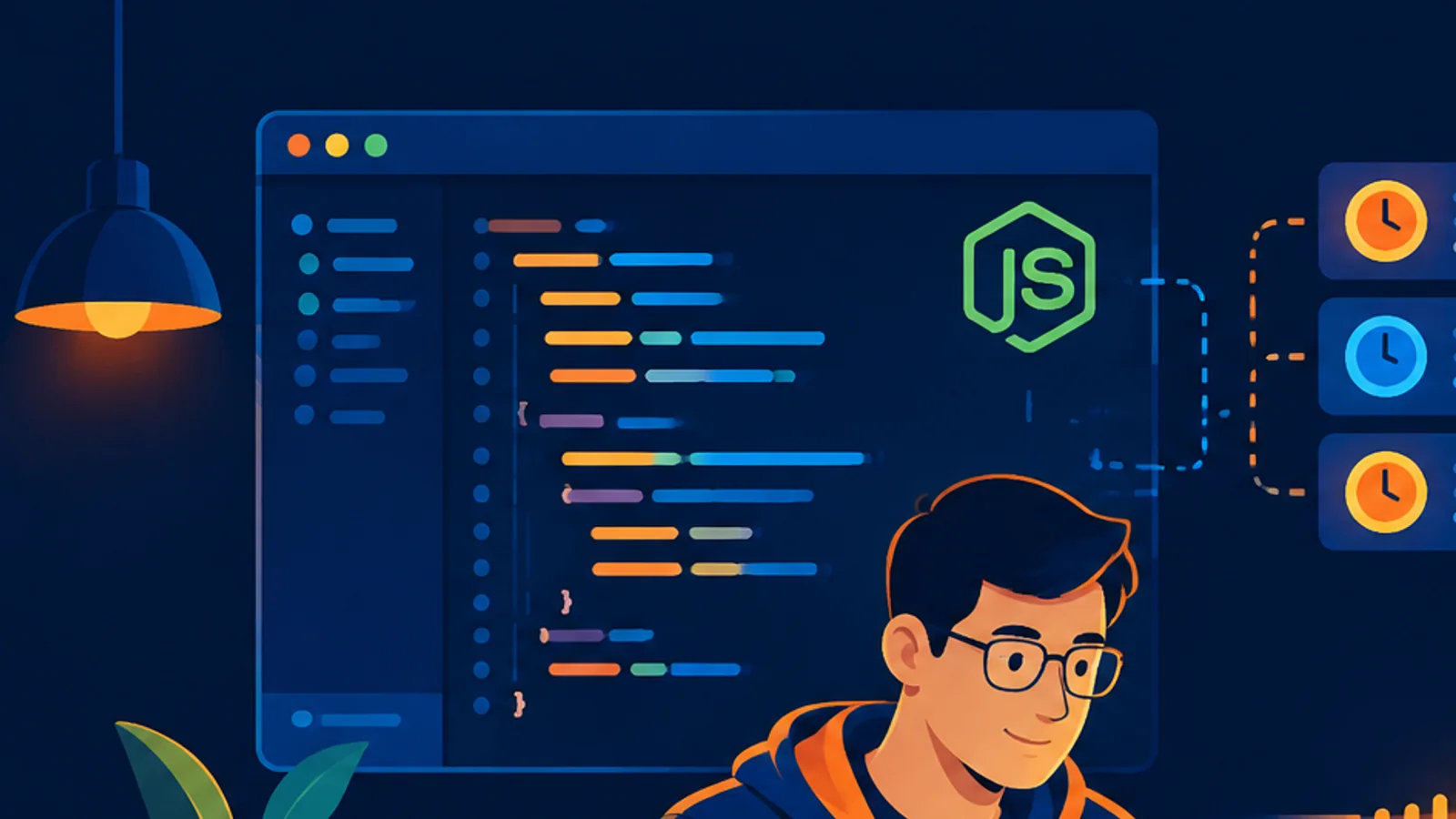
Use Node.js fetch to generate music through the Suno API, poll the task without duplicate billing, handle rate limits, and save the completed MP3 file.
Check what is free on the Suno API and what is charged: registration, queries, MP3/WAV downloads and lyrics versus generation, covers, stems and voice clone.
A practical map of the Suno API docs: create a key, generate a song, poll the task, download MP3/WAV, separate stems and use voice or Studio endpoints.
Mute a track, cut a section or replace one passage in Suno Studio. Compare what changes the project, what renders new audio, and what gets charged.