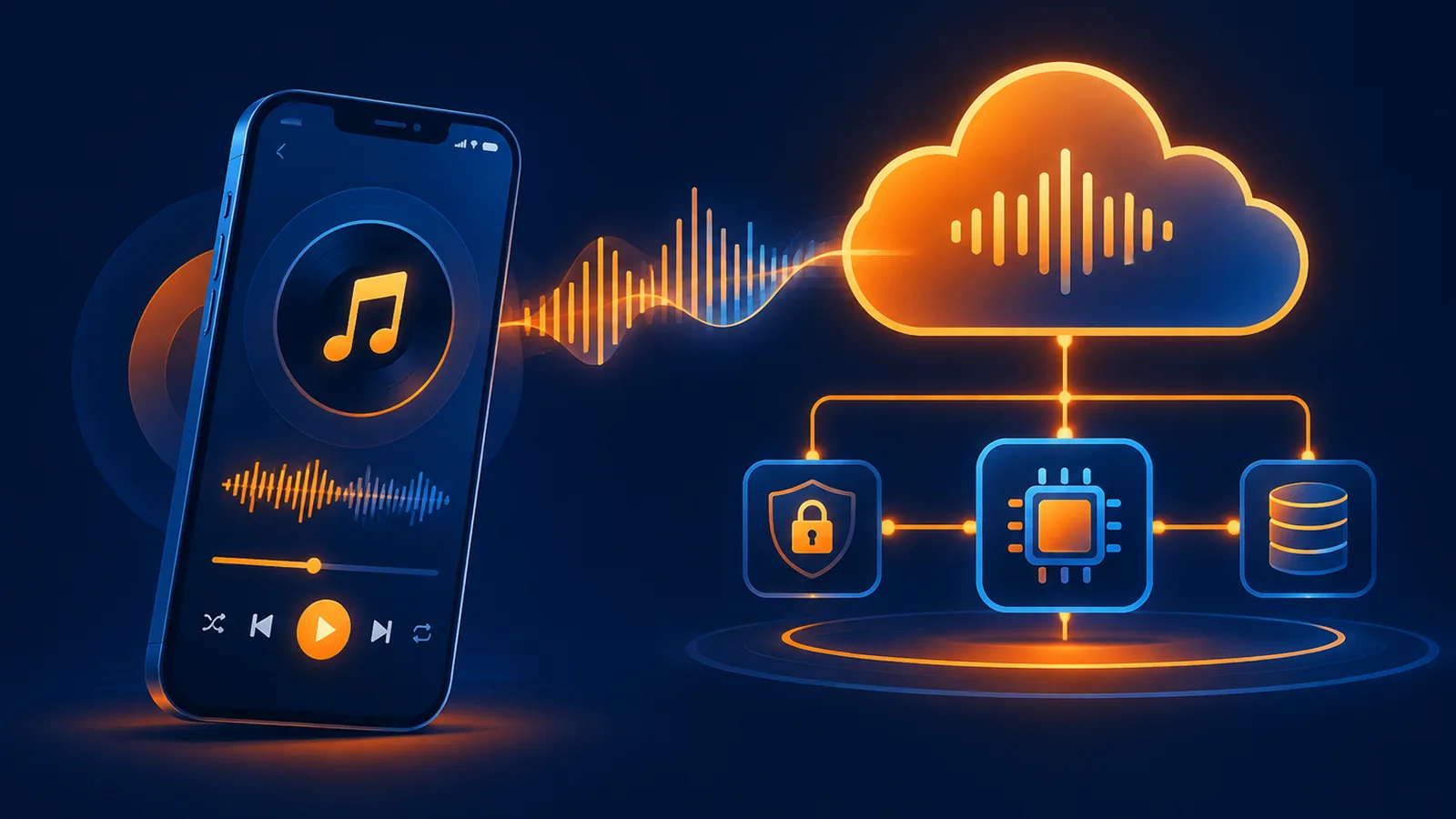

This site uses Suno's official V6 model and provides API Keys. The integration flow itself is not complicated, but the key is to understand that it is an asynchronous task: a successful submission does not mean generation is complete; you must query the status again. Here is the process in order.
Step 1: Get your API Key
After registering an account, get your API Key from the console. Include it in the request header when calling:
Authorization: Bearer <API_KEY>
Content-Type: application/json
Keep the API Key only on your own server. Do not put it in frontend code, mobile app packages, or public repositories.
Step 2: Submit a generation request
Inspiration mode only needs a description:
POST /api/music/create
{
  "description": "Bright Chinese pop song, piano intro, warm female vocal",
  "model": "suno-v6"
}
Custom mode lets you specify lyrics, style, and title:
POST /api/music/create/custom
{
  "lyrics": "[Verse]\nNight falls outside the window",
  "style_tags": "mandopop, piano, warm",
  "song_title": "Walking Toward the Light",
  "model": "suno-v6"
}
Step 3: Poll the task status
After submission, you receive a song ID. Use the query endpoint to check the status. We recommend checking every 3 to 5 seconds; do not retry at high frequency.
POST /api/music/query
{ "song_ids": ["your_song_id"] }| Status | Meaning |
|---|---|
| pending / processing | Accepted or generating; keep waiting |
| completed | Finished; you can get the audio URL |
| failed | Final failure; read the error message |
Step 4: Get the audio URL
Once the task is complete, call the download URL endpoint to get MP3, WAV, or video as needed:
POST /api/music/download-url
{ "song_id": "your_song_id", "kind": "mp3" }
Use the URL returned by the API. Do not construct your own or cache historical links.
How to check balance and which endpoints are free
Balance is tied to the account, not the API Key. The balance query endpoint is free:
GET /api/user/balance
Authorization: Bearer <API_KEY>
For response fields and examples, see the Account Balance Query API. Billing falls into two categories; understand them before estimating costs:
| Type | Examples | Charged? |
|---|---|---|
| Generation and editing | Inspiration mode, custom mode, cover, extend, replace section, stem separation | Charged per use; generation defaults to 0.6 yuan for 2 songs; failed tasks are automatically refunded |
| Query and read | Song query, song list, balance query, timestamped lyrics, media download (MP3 / WAV / video / cover / MIDI), stem deletion | Free |
To estimate costs first, refer to the unit price table in the Suno API pricing guide.
Common pitfalls
- Treating a successful submission as completed generation and trying to read the audio URL, resulting in an empty value.
- Using a temporary placeholder ID from the page to call the API; use the real song ID instead.
- Forgetting to handle the failed final state, leaving the task stuck in polling.
- Exposing the API Key on the client side.
For the full field list and endpoint reference, see the API Overview. If you need help with integration, contact customer support.
Related guide:Suno API integration for mobile apps · Suno API endpoint map · 401, 403 and 429 troubleshooting
¥0.6 per generation, 2 tracks, unlimited downloads
Runs on the Suno V6 engine. Download MP3 or WAV as often as you like. Signing up needs an email address, not a phone number.