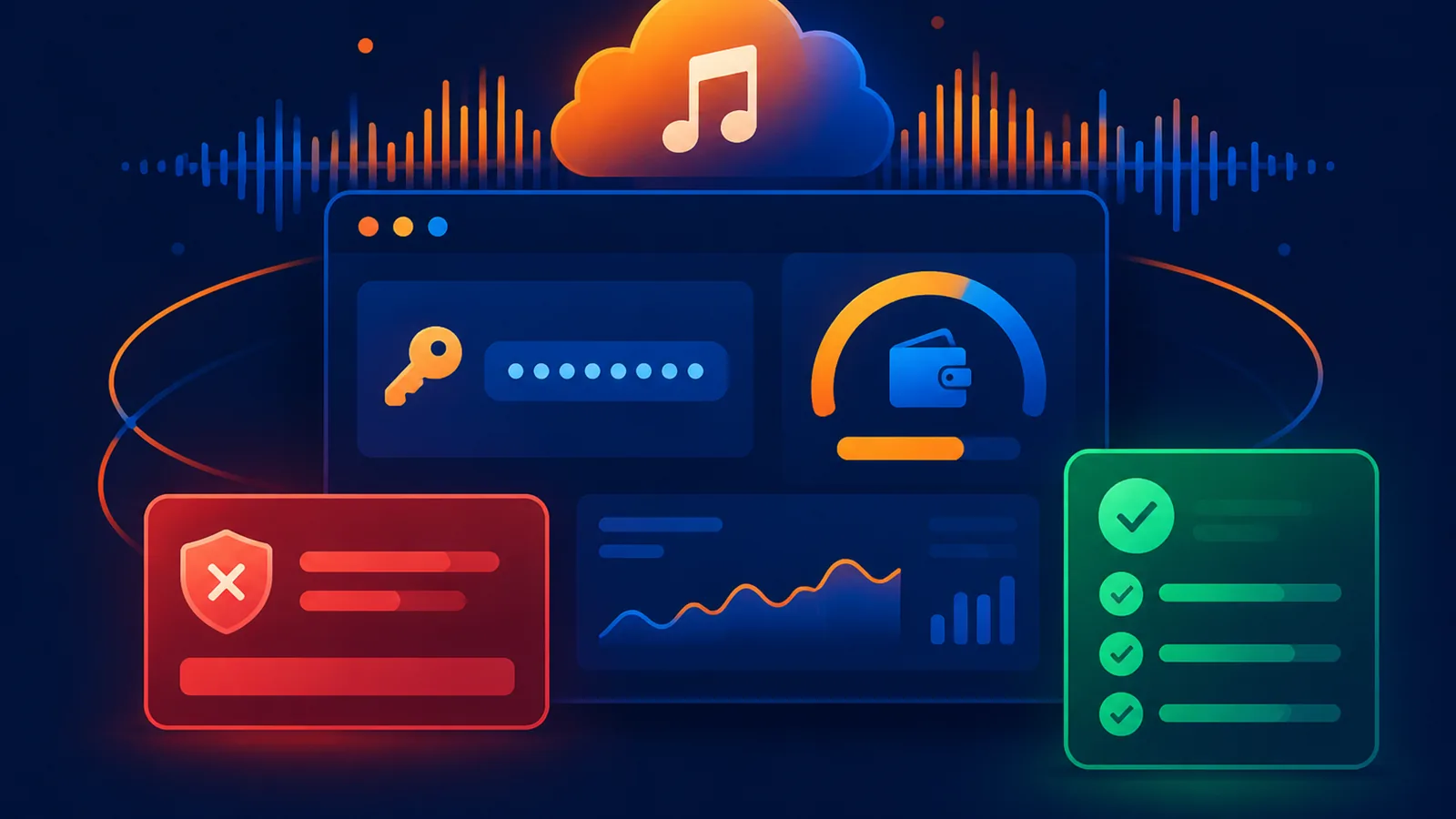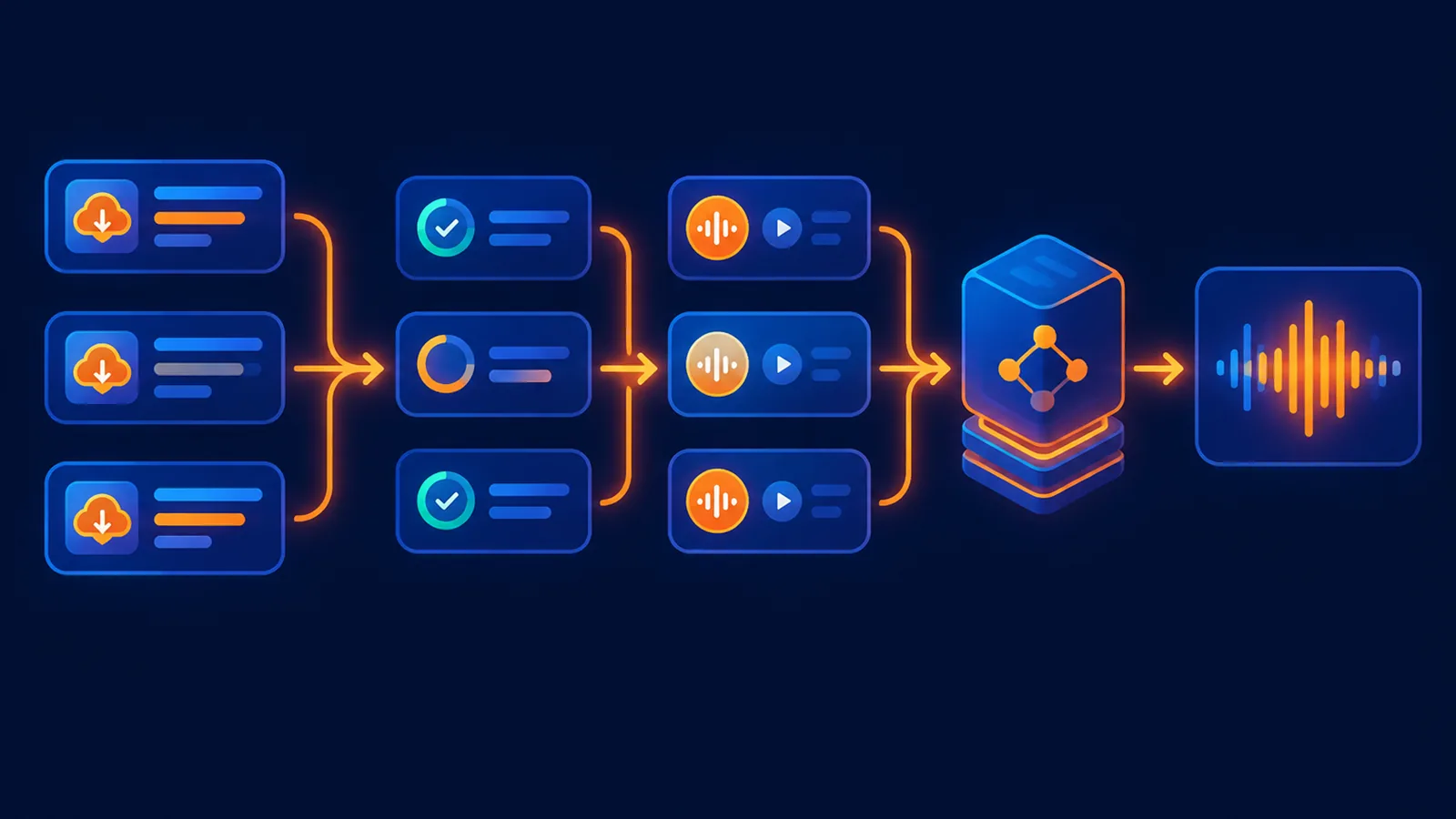
Short answer: first check whether the song actually finished and whether your plan still has a download allowance. Then retry from the song details, allow downloads for the site, and use a fresh media link. If the file plays but will not save, the usual causes are a browser block, an expired link or a download limit rather than failed generation.
More users have been running into download problems lately. The reports fall into three groups: the song plays but won't download, only MP3 is available and WAV is missing, and a download link that worked yesterday is dead today. These have different causes and different fixes.
Short answer
- Songs play but download does nothing: the download URL has usually expired, or the browser blocked the file. Fetch a fresh URL instead of reusing a link you saved earlier.
- Only MP3, no WAV: the WAV file is prepared on request and is much larger than MP3, so it can lag behind. Wait a moment, then request it again.
- A link that worked yesterday is dead: upstream download links are temporary. Treat them as a one-time pickup token, not a permanent address.
- On Suno-API: MP3 and WAV downloads for songs generated here are free and unlimited, and they are served from our own media URLs, so an expiring upstream link cannot block them.
First, work out which case you have
| Symptom | Most likely cause |
|---|---|
| Playback is fine, but clicking download does nothing or throws an error | The download URL has expired, or the browser blocked the download |
| Only MP3 is available, no WAV | The WAV asset isn't ready yet, or no WAV was generated for that song |
| A previously saved URL no longer opens | Historical direct links expire and have to be fetched again |
| Playback itself is broken | The task hasn't finished, or the media asset isn't ready |
Check in this order
- Confirm the task status is completed. A song that is still generating has no audio file to hand over.
- Fetch the download URL again instead of reusing the old link you copied and saved.
- Try another browser or an incognito window to rule out extension blocking.
- WAV files are large, so the first request takes longer to prepare than MP3. Wait a moment and try again.
Why the download rules change
The upstream platform adjusts how audio URLs are issued from time to time. After such a change, audio links that were exposed directly earlier may stop working. That is why you shouldn't keep download URLs in a spreadsheet and reuse them long term - they behave more like a one-time pickup token than a permanent link.
The right approach is to fetch a currently valid URL again through the page or the API each time you need the file.
How downloads work on Suno-API
- Songs generated on Suno-API can be downloaded at no extra charge, with no limit on the number of downloads.
- Both MP3 and WAV can be downloaded, and both formats are free.
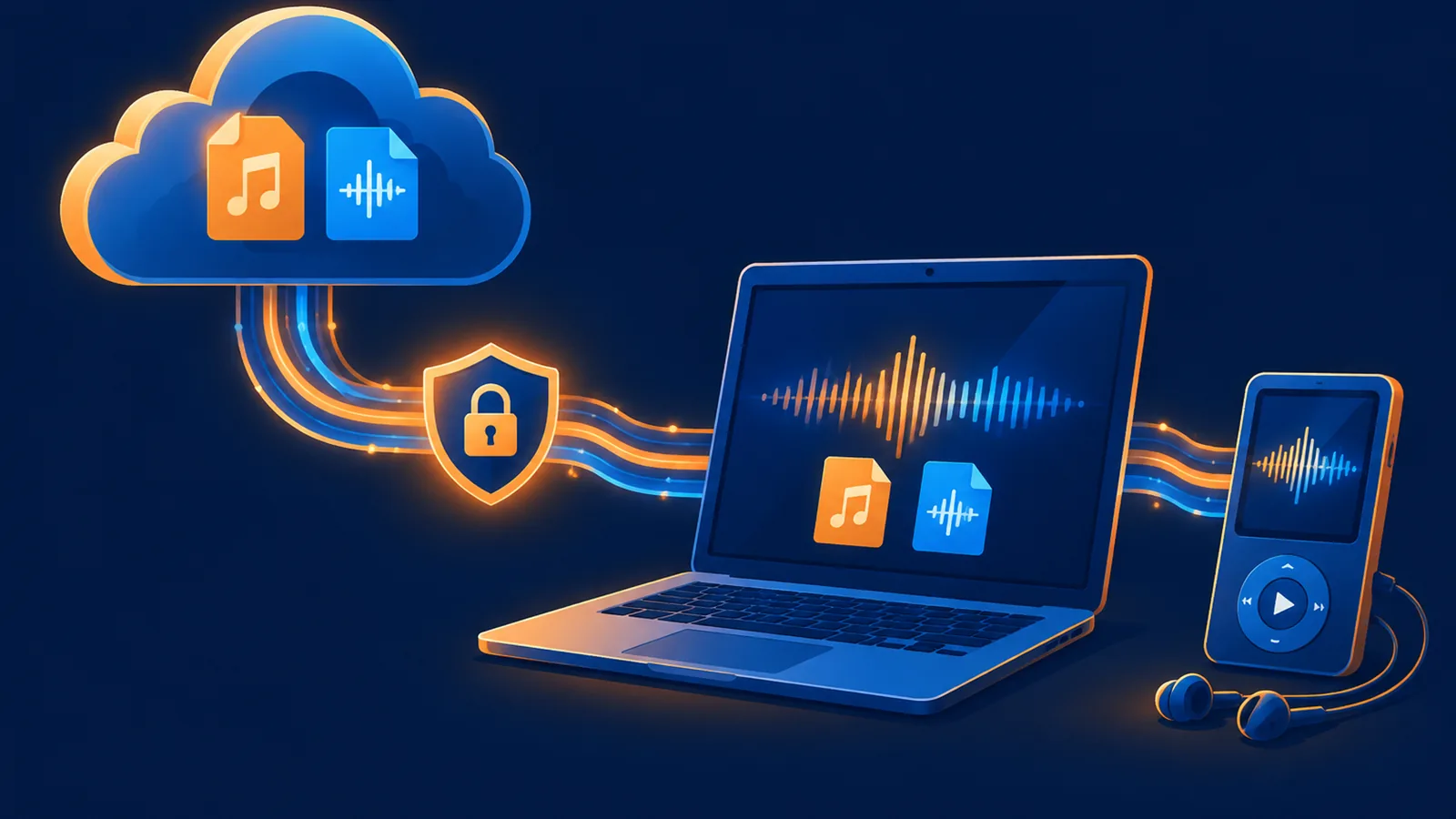
- Downloads go through the platform's own media URLs and don't depend on the upstream temporary links, so a link expiring won't block your download.
- Downloads are currently offered only for songs generated on Suno-API. Songs generated by an external Suno account are not supported yet.
Three common mistakes
- Editing the URL by hand: Deleting or replacing part of the URL usually just gets you an access denied. Fetch a new one instead.
- Clicking download repeatedly: If the asset isn't ready, clicking again won't speed it up and can trigger rate limiting.
- Trusting the front-end message only: The message usually just says "failed". The real cause is in the status code the request returns.
If it still won't download after these steps, send support the song ID, the format you tried to download, and the error message. That makes it much faster to pin down.
¥0.6 per generation, 2 tracks, unlimited downloads
Runs on the Suno V6 engine. Download MP3 or WAV as often as you like. Signing up needs an email address, not a phone number.